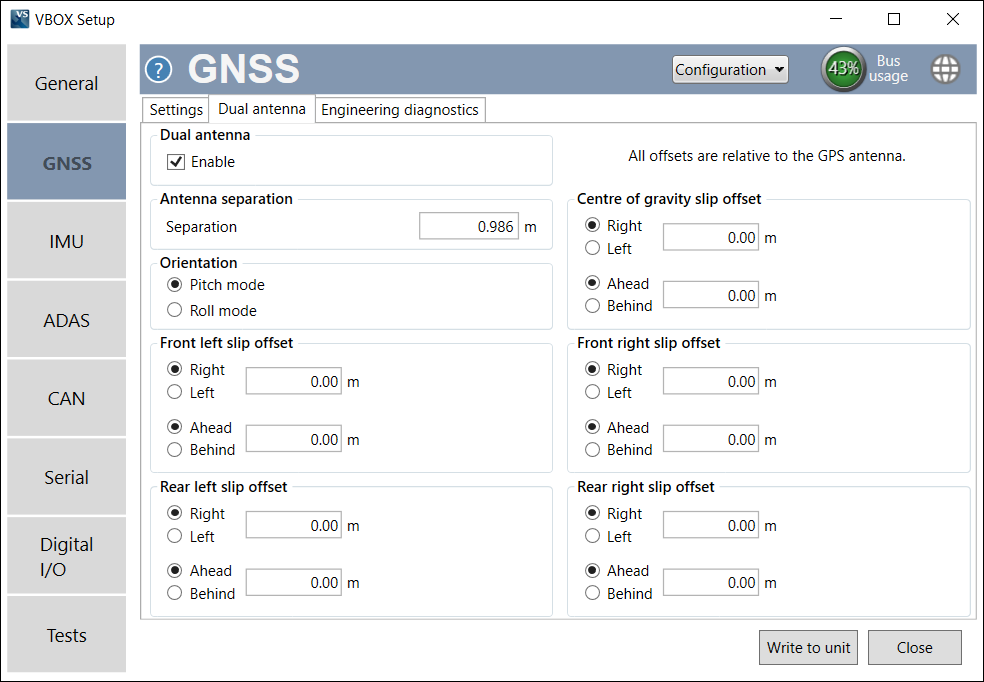
The GNSS menu in VBOX Setup, connected to a VBOX 3iS Dual Antenna RTK, contains GNSS receiver information and provides the ability to set the dynamic mode, DGNSS mode, leap second, elevation mask and to perform a GNSS coldstart. From the GNSS menu, you can also configure the Dual Antenna settings.
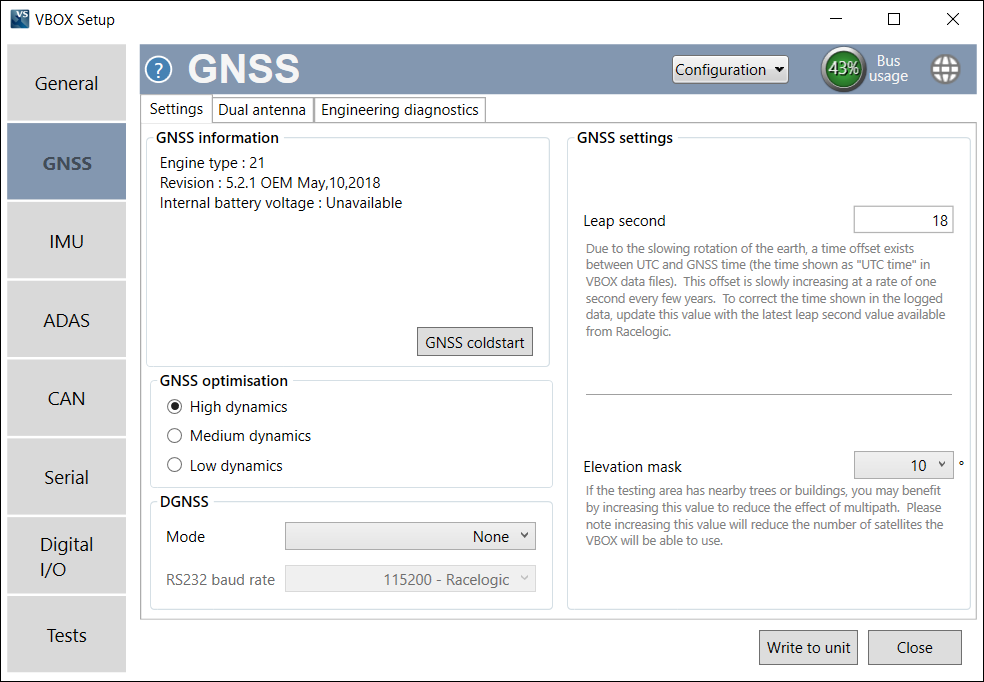
Under this area, you can view information about the GNSS receiver and perform a GNSS coldstart. More information on GNSS coldstart is available here.
The leap second value can be changed if required. This was increased to 18 seconds as of December 2016 - more information on this is available here.
Allows you to change the elevation mask, selectable from 10 – 25° (10° by default). If the testing area has nearby trees or buildings, you may benefit from increasing this value to reduce the effect of multipath. More information on this is available here.
Note: Increasing this value will reduce the number of satellites the VBOX will be able to use.
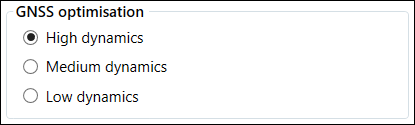
This option allows you to change the sensitivity of the GNSS engine.
- High dynamics (default) - For high dynamic applications such as brake stop testing.
- Medium dynamics - Suitable for all other testing.
- Low dynamics - For less dynamic applications, such as steady state speed measurement or coastdown testing.
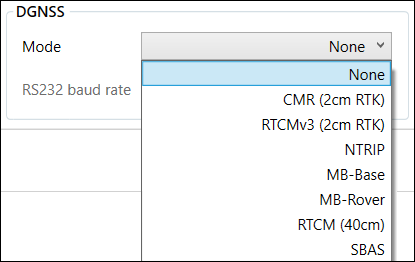
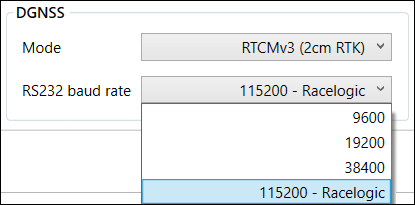
This option allows you to select whether the VBOX 3iS uses differential GNSS. Use the drop-down menus to select the desired mode and baud rate.
- Mode - lets you select the desired
- None (default) - Differential GNSS is off.
- CMR (2 cm RTK) - 2 cm correction (Trimble standard message type).
- RTCMv3 (2 cm RTK) - 2 cm correction (RTCM standard message type). This is the recommended setting.
- NTRIP - Internet-based subscription service, more information on this can be found here.
- MB-Base - Mode for use in Moving Base ADAS applications.
- MB-Rover - Mode for use in Moving Base ADAS applications.
- RTCM (40 cm) - the VBOX 3iS receives RTCM corrections via a Racelogic telemetry module and a locally placed Base Station. Contact Racelogic or your local agent for more details.
- SBAS - SBAS differential corrections are received from the nearest Geo-stationary GPS-SBAS satellite.
- RS232 baud rate - Sets the DGNSS serial rate, and is available to select when a DGNSS mode option other than None is selected. To ensure that the VBOX 3iS receives the DGNSS correction signal, the correct RS232 baud rate must be set. All Racelogic blue-boxed radios use 115200 kbit/s, Satel grey-boxed radios use either 19200 kbit/s or 38400 kbit/s.
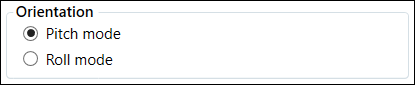
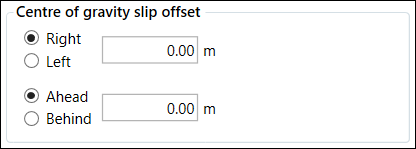
This area is used to configure the Dual Antenna mode of VBOX 3iS.


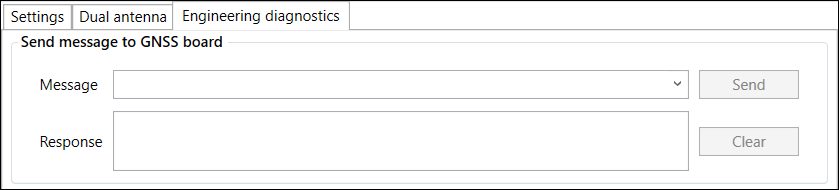
This area is used to set non-standard settings in the GNSS engine. This should only be used under advice from a Racelogic support technician.