
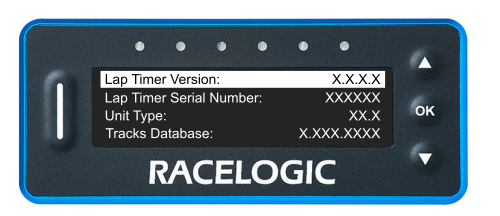
The About menu contains information about the following:
This will display the version of the LapTimer firmware that is currently on the unit.
This will display the LapTimer's serial number.
This will display the unit type number for your Pit Lane Timer unit.
This will display the version number of the installed Track Map Database.
This will display the type code for the GNSS engine.
This will display the version number for the GNSS engine.
This will display the number of satellites that the unit is currently receiving data from.
Press the OK button with this option highlighted to perform a factory reset on your Pit Lane Timer unit.
Back
Press the OK button with this option highlighted to return to the Main Menu .
Press the OK button with this option highlighted to return to the Main Menu .